The board
Five kinds of node, where each one gets its facts, and the two views that read across them.
Five kinds of node, and every edge runs back to the workspace: an agent was dispatched by it, a session ran in it, a browser watches what it is building. A session already shown by a terminal does not get a second card.
Changes
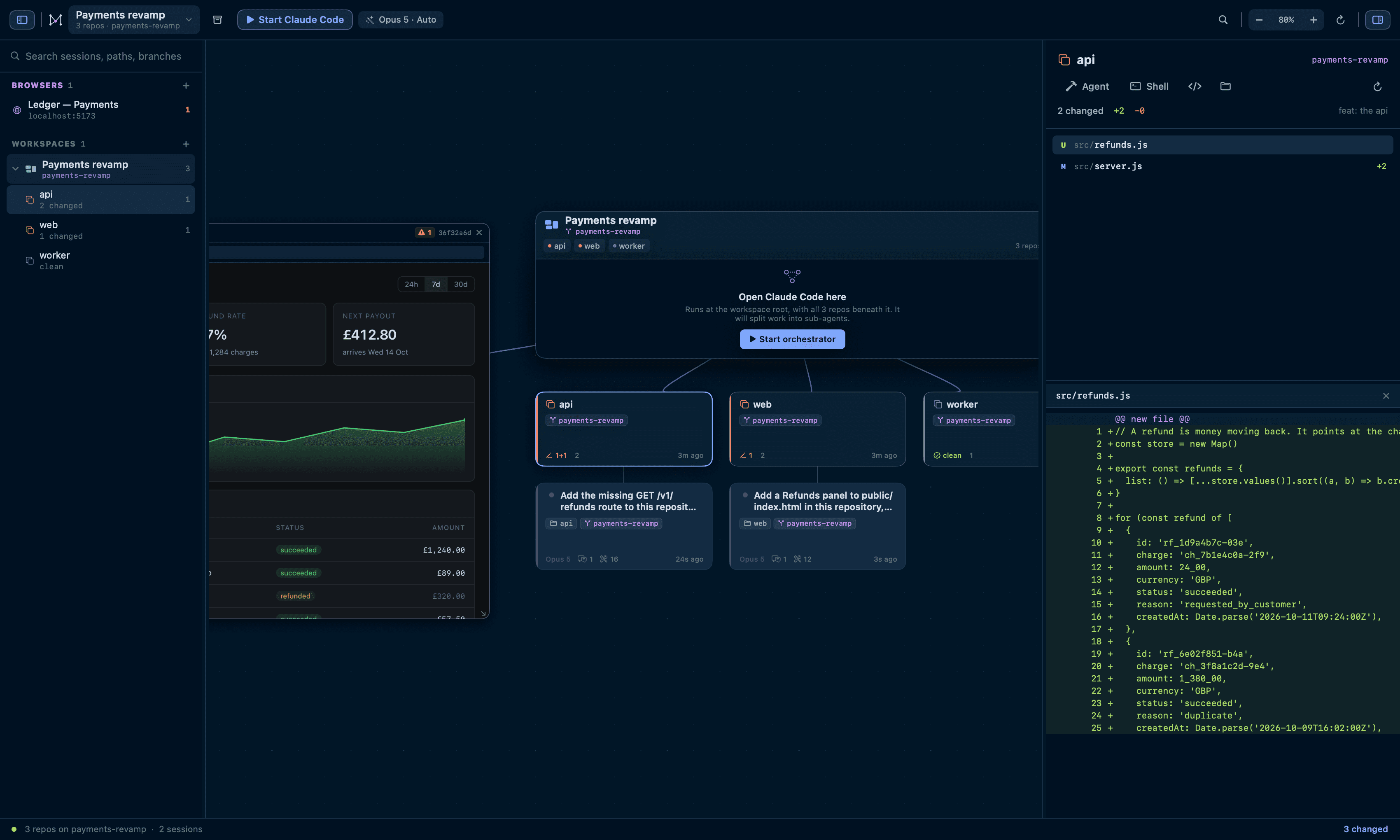
Select a repository — its chip on the workspace node, or its row in the sidebar — to see every file it has touched against HEAD: modified, added, deleted, renamed and untracked, with per-file +/− counts and a unified diff showing both line numbers.
Select the workspace node instead and you get the same list across every repository at once, which is the view you want after an orchestrator run.
⌘K
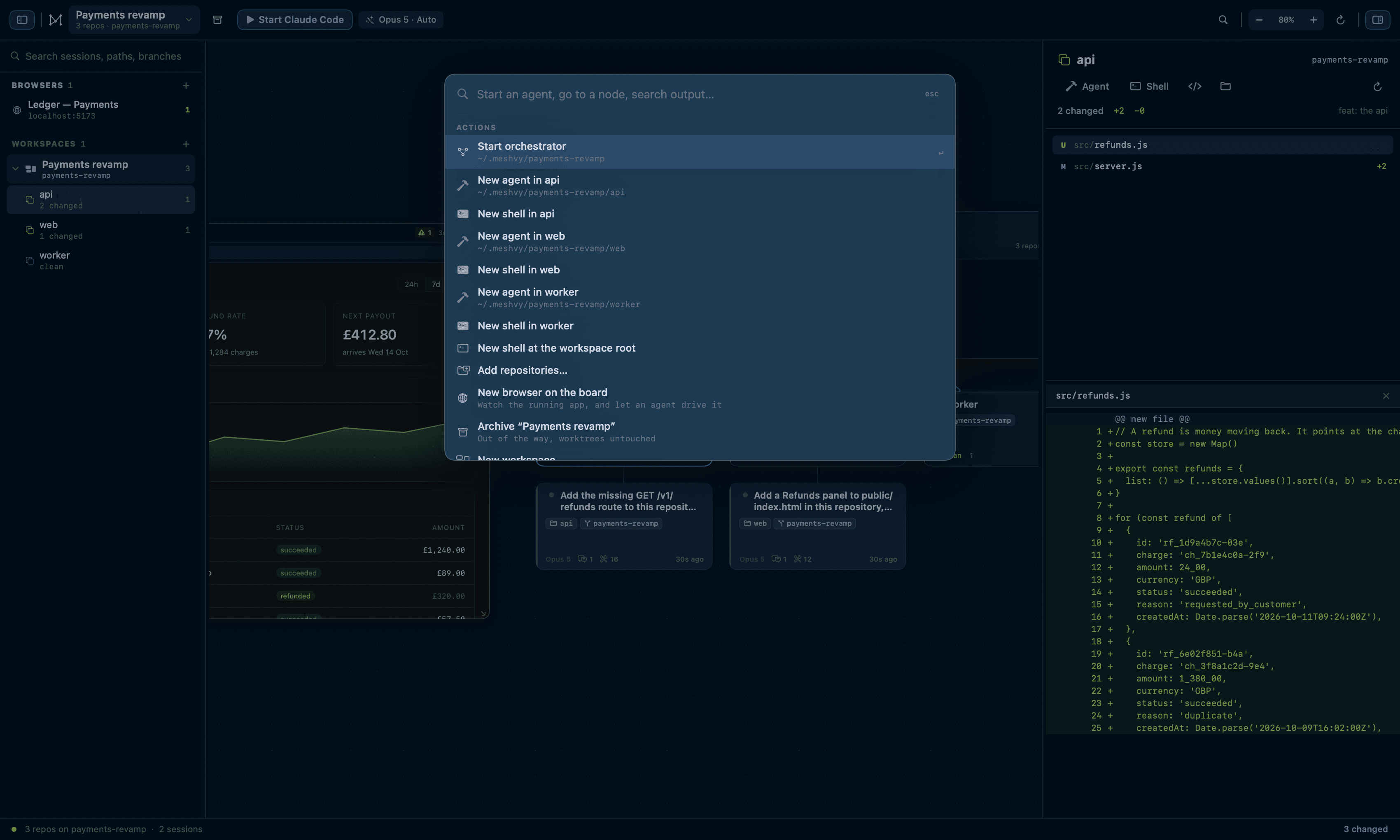
One box for starting an agent in any repository, switching workspace, jumping to a node by name, branch or path, and changing the permission mode. With three characters or more it also searches inside your live terminals and shows the line it matched — the one thing the canvas cannot tell you.
What a node does as you zoom out
Cards thin out rather than turning to mush. Below 62% they keep a title and a status line; below 30% they are a coloured block. A terminal and a browser stop drawing their contents at half scale and say where they are pointed instead — neither is interrupted, and both come straight back.
Drag any node by its title bar, resize from the corner grip, double-click one to centre it, and drag the side panels from their inner edge.